Engineering Animation Starts With the Files You Can Release
- Author: Cara Lackey
-
August 4, 2026
-
1607 words
-
8 minutes
- 3D Animation
- Product Rendering
We have started projects where releasable CAD arrived the same week we asked, and also finished projects where the client could never send us a single engineering file. Both had a real product, a funded budget, and an engineering team that had modeled the whole thing. The difference was file release.
Every company has someone who decides which engineering files are allowed to leave the building, and what they allow is the hard limit on what your video can show. The brief usually comes first and the release question later, so a shot you have already promised internally can turn out to be one we cannot build.
This post covers the four levels of engineering source data we have worked from, the video each level honestly produces, and three questions you can settle this week.
Before we get into the levels, here is the sentence I would want you to leave with.
What an engineering animation can show is decided by which CAD files your company will let out the door, not by your budget.
What survives the trip from CAD to screen
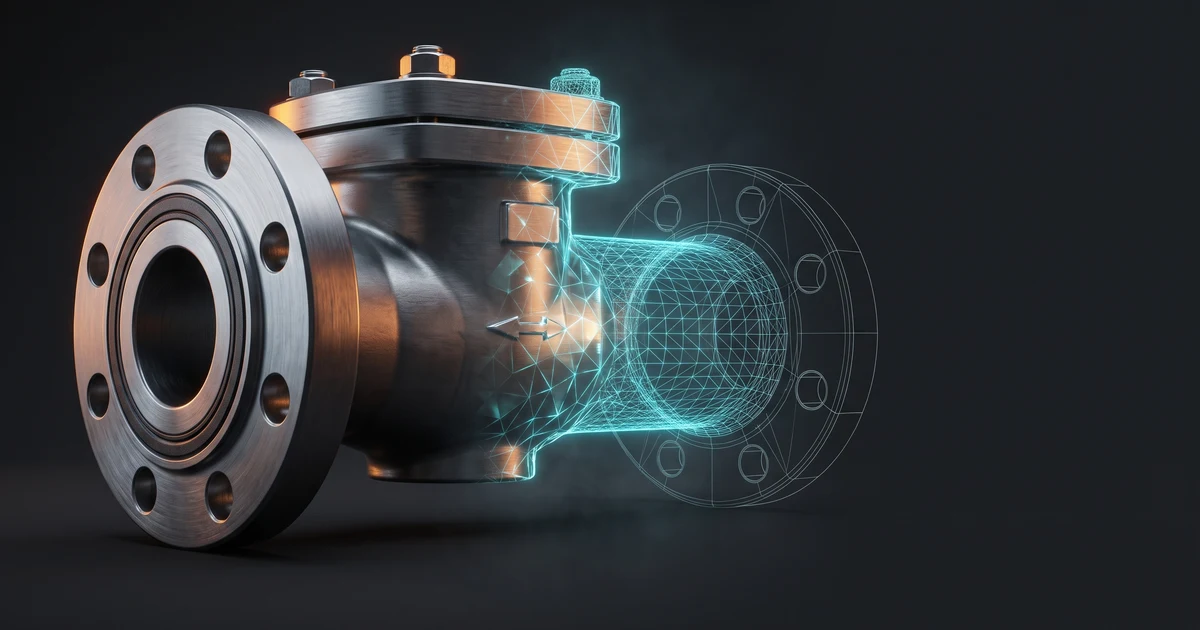
Your next thought is probably to send us the CAD and be done. That instinct is right, and I should be straight about what it buys, because a released file still does not hold a video. A CAD file is a build definition, and three gaps matter for your brief.
- The geometry gets converted. CAD stores surfaces as exact math. Everything on screen is built from triangles, which PTC’s own STEP documentation describes as displaying 3D shapes “using simplified representation.”
- Materials do not come along. An exchange file carries entries like name and density, which say nothing about how a surface answers light. Brushed steel reading as brushed steel gets authored later, from reference.
- Nothing moves. The file describes a fixed state rather than a sequence, so every second of motion comes from asking your engineer how the thing runs.
A CAD file tells us what the object is, never what it looks like or how it behaves. Everything else we author, and each authored choice becomes a public claim about your product, starting with the first cutaway.
Release restrictions are routine, and sometimes federal law
That is what a released file cannot do for you. Whether you can release one at all is a different question, and I raise it early because it is the one that bites the schedule. Engineering teams restrict their own files as routine, and in some sectors federal law draws the line for them.
Stripping parts out of an assembly is a tooled workflow. TransMagic’s notes on its bulk fastener removal function list hiding intellectual property from customers and suppliers as a reason to do it. The file your engineering team is willing to send may already be redacted, and nobody on the marketing side will be told.
In aerospace and defense the line sits in law. ITAR defines technical data as what is needed to design, build, test, and maintain a defense article, and carves out general system descriptions. An engineering animation lives between the two.
So your ceiling was set inside your own company before any studio saw the project, and a bigger budget does not raise it. More money buys better lighting and more revisions, never permission to show geometry your company has decided to keep.
Four levels of source data, and the four videos they produce
If the ceiling is already set, the useful question is where yours sits. Across the work we have taken on, source data has landed in one of four places. Level 3 is not level 1 with the good parts missing. Each produces a different video, and trouble comes from briefing at the wrong level rather than sitting at a low one.
| Level | You can release | The video can honestly be | The limit |
|---|---|---|---|
| 1 | CAD cleared for release | Faithful to the manufactured geometry | Your geometry ships in a file anyone can freeze-frame |
| 2 | CAD with restricted areas | Faithful exterior, authored interior | Never doubles as a training or service asset |
| 3 | No CAD, documented product | Accurate to drawings, photos, and your engineer | Cannot depict proprietary internal geometry |
| 4 | Concept, geometry still moving | Visualization that sells the idea | Cannot claim to depict the shipping product |
Level 1. Releasable CAD
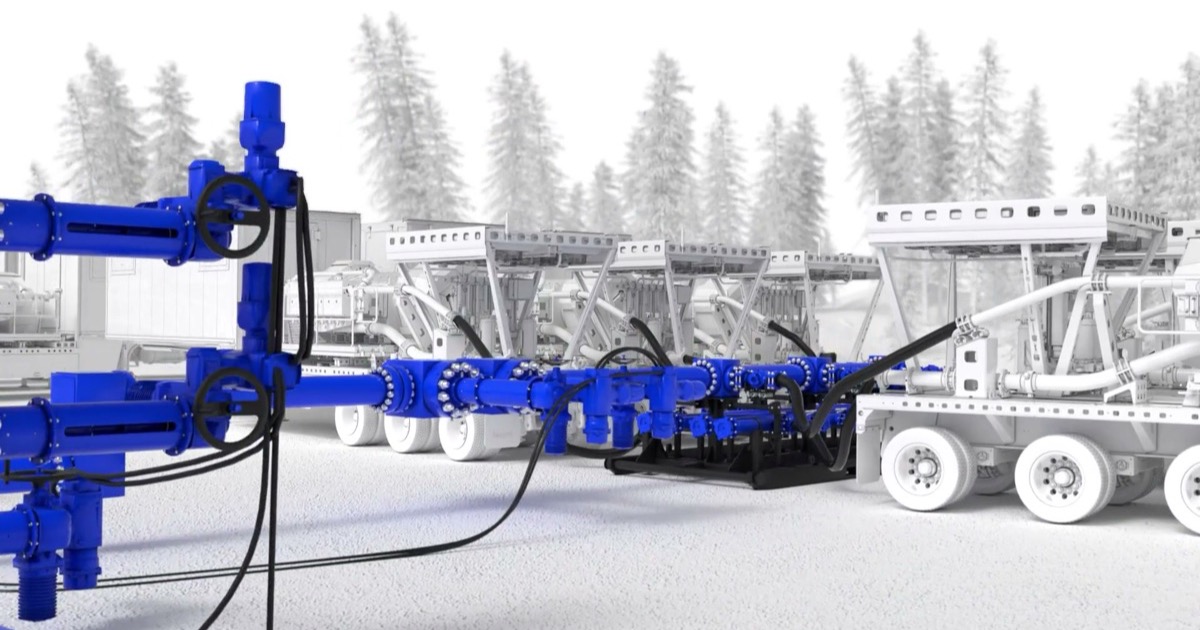
This is the level most people assume they are on, and when it is true you can see it in the schedule. SLB sent us the 3D models for their Cameron frac fluid delivery system on January 15th, and the product launched February 3rd, 2026 at HFTC, a hydraulic fracturing industry conference. That is an 18 calendar day window, possible only because the CAD was cleared for release. The geometry on screen is the geometry that was built.
Level 2. CAD with restricted areas
More often the CAD exists and part of it is off limits, which sounds like a compromise and does not have to be one. Dryline Technologies published their ask in their own words on the Dryline industrial animation case study. Do not show the internals of the patent-pending equipment, and still explain step by step how it works inside. Analogy, styling, and cutting detail are how that gets done.
The limit can even decide the medium. We considered 3D for Exum Instruments, whose tools measure the elemental makeup of materials, and rejected it because 3D gave away too much of their IP. A stylized 2D Exum technical animation explained the internals without exposing them, and a studio that only sells 3D will not put that option on the table.
Level 3. No CAD, real product
No CAD at all sounds like the end of the conversation, and in my experience it is where the interesting projects start. Tally Energy Services had no CAD for frac site equipment, and we could not reuse the models in our own library because that geometry belongs to other clients. Our Tally Energy frac site animation case study calls it almost a deal-breaker, and what fixed it was buying generic models and building a clean scene. Level 3 is also where we model from drawings, photos, and spec sheets.
The models in a studio’s reel may not be yours to use. Ask which assets in a proposal are original, which are licensed, and which came off someone else’s project.
Level 4. The geometry does not exist yet
The last one is a different job, because there is nothing manufactured for the video to be faithful to. The Natilus cargo aircraft did not exist when we animated it. A level 4 video sells the idea and the outcome, and cannot claim to depict the shipping product, because the geometry keeps moving after delivery.
Three questions to answer before you write the brief
Knowing the four levels only helps if you know which one you are on, and I cannot tell you that from outside your company. Three questions settle it, and they belong to three different people, which is why they rarely get asked together.
- Does the geometry exist in a releasable file, and in what format? Engineering owns this one. STEP, IGES, SolidWorks, and Inventor exports are the common answers.
- Which parts are we not allowed to show, and who signs off? Legal or IP owns this one. If your product touches the US Munitions List, the answer already exists in law, and we have written up how that plays out on aerospace and defense programs.
- If the answer to question one is no, whose geometry stands in, and is it cleared for reuse? The studio owns this one, and almost nobody asks it.
Engineering will ask what happens to the file at a studio. We sign NDAs as a matter of course and have worked under them for energy majors and defense suppliers since 2014. For export-controlled programs, tell us at first contact.
Then match the brief to the level rather than discovering it afterward. The same project briefed as level 1 disappoints, and briefed as level 3 it lands. When we scope 3D animation services, the first call is mostly these three questions, and most 3D animation in manufacturing work starts at level 1 or 3. Knowing your level makes evaluating studios shorter too.
Tell us which level you are on
Send whatever you are allowed to send, even if that is a spec sheet and one photograph. We will tell you which level your project sits at, and what a good video looks like there.
About the Author